.exe or .dll on disk.
claude plugin commands install itThis is the write guard. It was given the call Claude would make to set the health value in the tutorial that ships with Pointer Lab. This is real output. Exit code 2 blocks the call, and Claude reads the message.
$ echo '{"hook_event_name":"PreToolUse","tool_name":"mcp__pointerlab__write","tool_input":{"address":"pointerlabtutorial.exe+2DBC8","type":"f32","value":"1000"}}' | powershell.exe -NoLogo -NoProfile -NonInteractive -ExecutionPolicy Bypass -File hooks/guard-writes.ps1; echo "exit $?"
game-re blocked mcp__pointerlab__write: it writes a value into the target's memory.
Pointer Lab's write, patch, allocate, inject and thread tools are off until the user opts in. This is the game-re plugin's safety default, not a Pointer Lab error. Do not retry the call or look for another way to make the change. Tell the user what was blocked and how to opt in.
To opt in, and only for software they own or the Pointer Lab tutorial, the user closes Claude Code and starts it again with GRC_ALLOW_WRITES set to 1:
PowerShell: $env:GRC_ALLOW_WRITES = "1"; claude
cmd: set "GRC_ALLOW_WRITES=1" then claude
Git Bash: GRC_ALLOW_WRITES=1 claude
Reads, scans, pointer scans, the access watch and hardware breakpoints work without it. Undo is never blocked: patch_restore_all, patch_remove, set_frozen with frozen false, and aa_disable_all.
exit 2
Claude reads the message and relays it to you. It tells Claude not to retry the call or look for another way to make the change. It tells you how to opt in, and what still works without it.
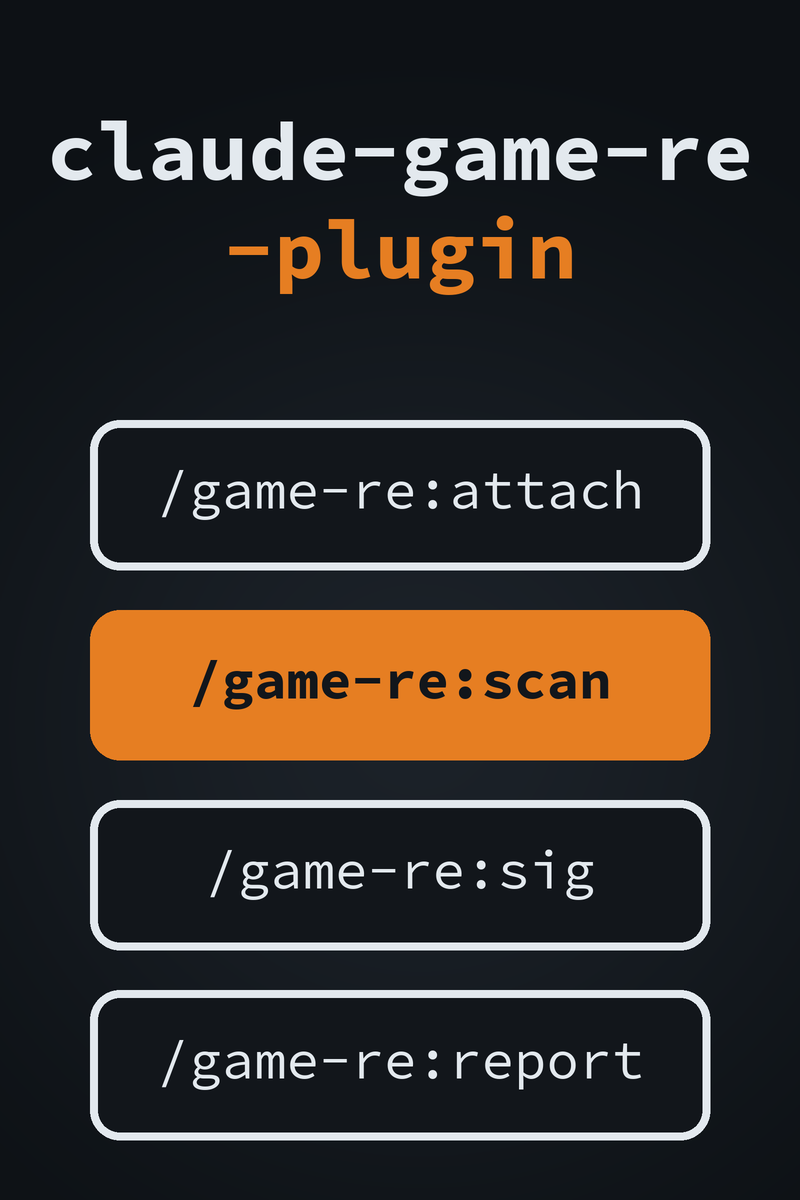
GRC_ALLOW_WRITES=1./game-re:sig proves a signature unique in both. Pointer Lab’s token changes every time its server starts, so you register it yourself each session.safety skill tells Claude to refuse online and multiplayer games, other people’s servers and anything protected by anti-cheat, before it attaches. The re-analyst agent carries the same rules. Even with writes on, the skills tell Claude to say what it will change and how to undo it.game-re)game-reversal-club: claude plugin marketplace add HeathHowren/claude-game-re-plugin, then claude plugin install game-re@game-reversal-club/game-re:attach, scan, sig, reportre-analyst agent for longer jobsGRC_ALLOW_WRITES=1Intended use. The plugin is for studying software you own or are authorized to analyze: your own programs, CTF binaries, the Handbook’s labs and the Pointer Lab tutorial. Its safety skill tells Claude to refuse online and multiplayer games, other people’s servers and anything protected by anti-cheat. Using a memory tool against online or competitive games will very likely trip anti-cheat software and get the account banned, and modifying software you do not have permission to modify may be illegal where you live. This is a research tool.
A seatbelt, not a sandbox. The hook stops Claude’s calls to Pointer Lab’s MCP tools. It does not stop changes you make in Pointer Lab’s window. It cannot see a program that talks to Pointer Lab’s port directly with the token.
Windows only. The hook runs powershell.exe.
On a machine without it the hook cannot run and does not block, so writes
would go through. Under WSL, Claude Code runs Linux, so use it from
Windows instead. The opt-in is read when Claude Code starts, and it
cannot be turned on from inside a session.
Pointer Lab is registered each session. Its MCP token
changes every time the server starts, so the plugin cannot ship it.
Start the server under Tools > MCP Server in Pointer
Lab, paste its copied claude mcp add command into a
terminal, and restart Claude Code. /game-re:attach walks you
through it. Never save the token in a file.