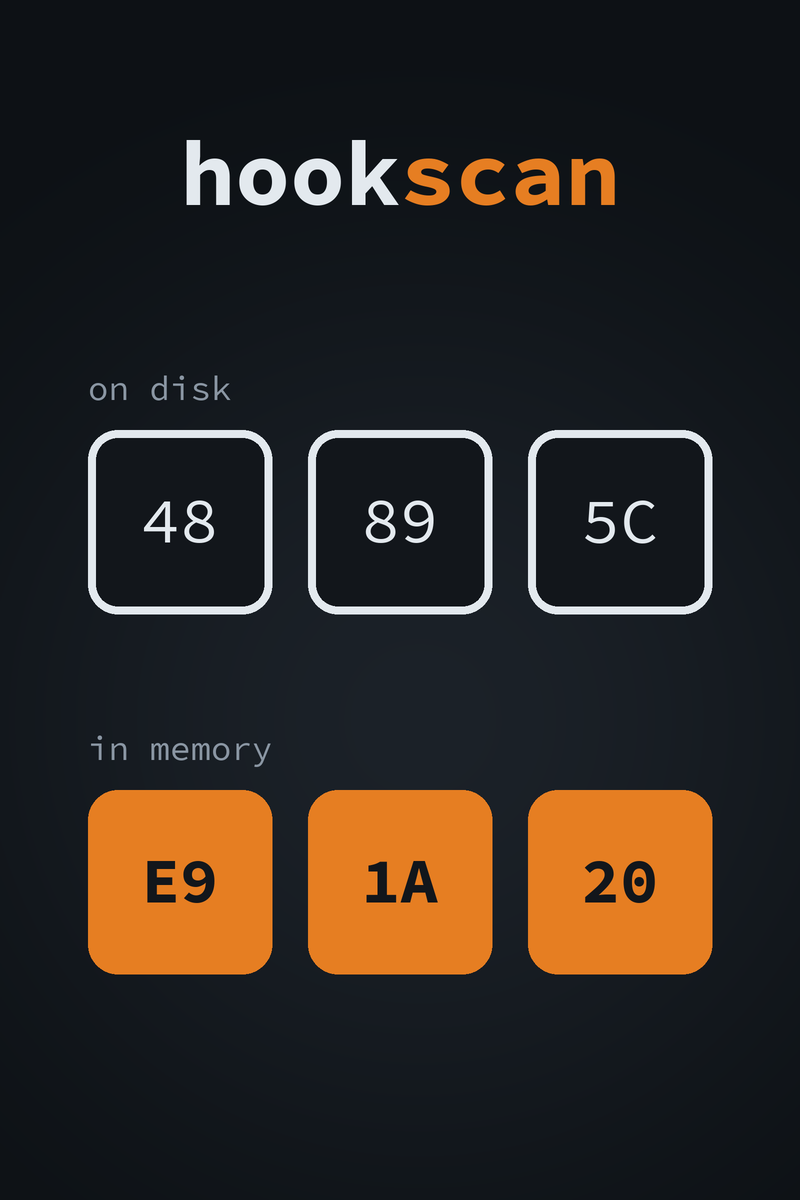
hookscan cover: the bytes 48 89 5C on disk, and E9 1A 20 in memory in orange, the start of a jump

hookscan logohookscan

Read-only hook scanner for Windows processes
Price
Free
Version
1.0.0
Platform
Windows
License
MIT
Free & Open Source Hook Detection Command Line C++20 32 & 64-bit
A hook changes a program’s code or its import table in memory. The file on disk still holds the original. hookscan compares the two for every module in a running process. It lays each file out the way the loader does and applies its relocations first, so a moved pointer is not reported as a patch. What differs is grouped into regions and decoded, so a patched jmp reads as a jump and names the module it lands in. It also checks every import and export slot, and looks for modules with no file behind them. It opens the target with read access only and never writes to it. It is the checking side of the inline and IAT hooking chapter of The Game Hacker’s Handbook.
Free
Command-line tool. The x64 zip scans 64-bit processes and the x86 zip scans 32-bit ones
↓ Download from GitHub View Source on GitHub
Developer
Game Reversal Club
Open Source Software

See all software from this developer

What You Get

Run hookscan --name on a process and this report is printed. This is real output. The target is the test fixture in the repo, run in its hooked mode. It writes a 5-byte jmp over one of its own functions. It also points its own GetTickCount import slot at a function of its own.

hookscan 1.0.0: pid 39996 (hookscan_fixture.exe, x64), 5 of 5 modules scanned

[inline] hookscan_fixture.exe+0x35B0 in .text, 5 bytes
  original  8D 04 49 89 44
  current   E9 CB FF FF FF
  code      jmp 0x00007FF6C1713580
  target    hookscan_fixture.exe!FixtureDetour

[iat] hookscan_fixture.exe imports KERNEL32.dll!GetTickCount
  slot      hookscan_fixture.exe+0x1E020
  expected  KERNEL32.DLL!GetTickCount
  target    hookscan_fixture.exe!FixtureFakeTickCount

2 findings

hookscan reports those two changes and nothing else. The original bytes come from the file after relocation. The current bytes are a jmp, and hookscan follows it to the function it lands in.

How It Works

Relocate, then compare
Each file is mapped section by section, the way the loader maps it. Its base relocations are applied for the address the module really loaded at. Only then are the executable sections compared with memory, so a relocated pointer is not a patch.
Patches read as code
Changed bytes within 8 bytes of each other form one region. The region is decoded with Zydis from the start of its instruction, found on x64 by walking the function from its .pdata entry. A jmp, call, push/ret or mov reg plus jmp reg is followed to its target and named.
Imports resolved like the loader
Every import slot is checked against the export it should hold. Forwarded exports are followed, and API set names are resolved through the system’s own schema. Ordinary Windows forwarding is not reported, and a delay-load slot that has not been called yet is accepted.
Quiet about what is expected
Data the loader or C runtime writes inside a code section, such as import slots, CFG pointers and the security cookie, is left out of the code diff. Changes Windows makes on purpose, like the compatibility shim engine, are reported with a note that says what they are.
Modules with no file
A listed module with no file behind it is reported. So is one whose headers do not match its file, and an executable image the loader’s module list does not name. A PE header at the start of private executable memory is reported too.
Read only, and scriptable
The target is opened with PROCESS_QUERY_INFORMATION | PROCESS_VM_READ and nothing more. --json prints one object, and the exit status is 0 with no findings, 1 with findings and 2 on an error. A program can check itself with hookscan::scanCurrentProcess.

Item Specifics

Name
hookscan
Author
Heath Howren (“Cyborg Elf”)
Version
1.0.0 (2026)
Type
Command-line tool: read-only process integrity scanner
Platform
Windows; the x64 build scans 64-bit processes and the x86 build scans 32-bit processes
License
MIT License
Price
Free
Language
C++20
Disassembler
Zydis 4.1.1, the same pinned commit as Pointer Lab and Signature Lab
Distribution
hookscan-v1.0.0-windows-x64.zip and hookscan-v1.0.0-windows-x86.zip, each with hookscan.exe
Requirements
Windows; developed and tested on Windows 10. Nothing else: the C runtime is linked statically
Tests
72 tests, including live scans of a fixture with planted hooks, run in CI for x64 and x86
Source Code

Features

Relocation-aware code diff
Patch regions decoded with Zydis
Original and current bytes shown
Jump and call targets named
14-byte absolute jumps followed
push/ret trampolines followed
IAT check against resolved exports
Forwarded exports followed
API set names resolved
Delay-load stubs accepted
EAT check for changed exports
Modules with no file behind them
Headers that do not match the file
Unlisted executable image mappings
PE headers in private memory
Notes for shim and .NET runtime patches
--notes lists what was skipped
--self and scanCurrentProcess
JSON output for scripts
Read-only process access
64-bit and 32-bit builds
72 tests, run in CI

Before You Download

Intended use. hookscan is for checking processes you own or are authorized to analyze. Use it on your own programs, to confirm a hook you wrote landed where you meant it to. Or use it to see what an overlay, a plugin or other software changed in a program you run. It only reads, but reading the memory of online or competitive games will very likely trip anti-cheat software and get the account banned. This is a research tool.

The binaries are unsigned. Antivirus software may flag a tool that reads another process’s memory. Build it from source if you would rather not take a binary on trust.

Match the build and the user. The x64 hookscan.exe scans 64-bit processes and the x86 one scans 32-bit processes. Each says so if you point it at the other kind. Run hookscan as the same user as the target. A process owned by another user, or one running elevated, needs hookscan to run elevated too.

What it cannot see. Hooks that change no module byte, such as hardware breakpoints, guard-page hooks and vtable swaps, leave nothing to compare. Code outside any module, such as JIT output, is not checked beyond the PE header test. The scan is one snapshot, so a change made after it read the bytes is missed. Pass --notes to see what a scan skipped and why.