??,
IDA spells it ?, and code-style scanners want a byte string
and a mask. sigscan reads all of those, plus a Cheat Engine or Pointer
Lab aobscanmodule line, and finds the pattern. It searches
a byte buffer, a PE file on disk, or a module in a running process. A
pattern it cannot read is refused with a reason, not reported as
“not found”. The library is one C++20 header with no
dependencies, and sigscan.exe puts it on the command line.
It reads every form Signature Lab
writes. It is also the pattern scanner behind the signature-scanning
chapter of
The Game Hacker’s Handbook.
sigscan.exe and the single header, in an x64 or an x86 zip
Run sigscan --file with an executable and a pattern, and this
is what it prints. This is real output. The signature is the one
Signature Lab made for a function in the
tutorial that ships with Pointer Lab, and
the file is a local build of that tutorial.
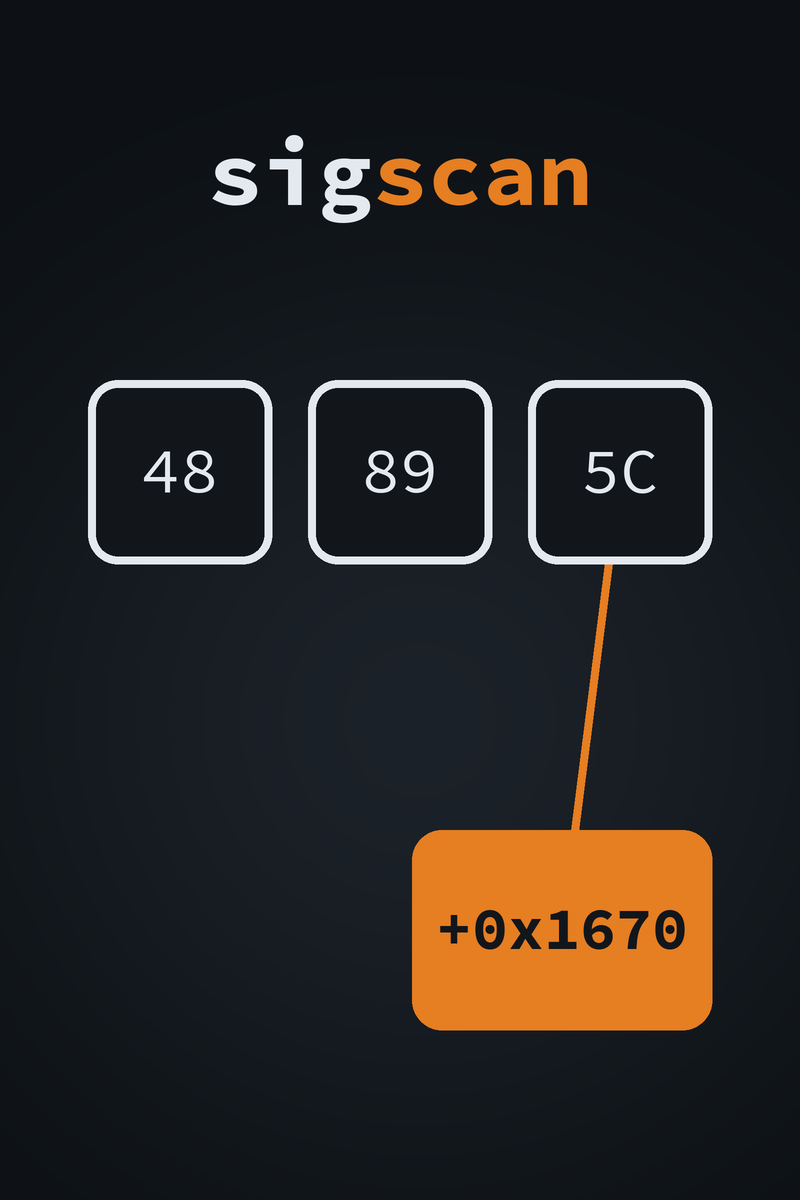
pattern 48 89 5C 24 08 57 48 83 EC 20 48 8B 05 ?? ?? ?? ?? 48 8B D9 (20 bytes, 4 wildcards)
file PointerLabTutorial.exe (PE32+, 7 sections)
backend AVX2
match RVA 0x00001670 file offset 0x00000A70 .text
1 match
The RVA is the same one Signature Lab reported for this function inside
x64dbg, pointerlabtutorial.exe+0x1670. The file offset is
where those bytes sit in the file itself. You can check a signature
against the file before the program is running.
??, 4? nibble wildcards or no separators, IDA patterns with ?, code-style bytes with an x/? or 0b mask, C++ arrays, and aobscanmodule(...) lines. Every form round-trips against the bytes Signature Lab writes.find returns the first match and findAll returns every match. A pattern with no fixed byte falls back to the scalar path.scanPeFile reports each match by file offset and, where a section or the headers back it, by RVA. scanProcessModule opens the process read-only, finds the module by name, and reports each match by virtual address and RVA.readRipRelative follows a [rip+disp] operand and reads the pointer there. The arithmetic matches Signature Lab’s resolve line.windows.h for the live-process code. The tests use Catch2 3.5.2sigscan-v1.0.0-windows-x64.zip and sigscan-v1.0.0-windows-x86.zip, each with sigscan.exe and include/sigscan/sigscan.hpp??4??0b bitmasksaobscanmodule linesaobscanmodule linesIntended use. sigscan is for studying software you own or are authorized to analyze: your own programs, single-player games, CTF binaries, and the Handbook’s lab targets. Reading the memory of online or competitive games will very likely trip anti-cheat software and get the account banned, and analyzing software you do not have permission to analyze may be illegal where you live. This is a research tool.
Match the target. To scan a live process, run as the
same user as the target and match its bitness. The 32-bit
sigscan.exe reads 32-bit processes, and the 64-bit one reads
64-bit processes. A process owned by another user, or an elevated one,
needs the matching privileges.
Using the header in your own code.
scanProcessModule and findModule are defined
only in the file that defines SIGSCAN_IMPLEMENTATION before
it includes the header. Define it in one .cpp, so
windows.h is pulled in once.
The binaries are unsigned. Antivirus software may flag a tool that reads another process’s memory. Build it from source if you would rather not take a binary on trust.