Supplemental Materials
4 code repos · 1 tutorial · freeThe code, practice targets and reference docs that go with the video lessons and Pointer Lab. Everything is free and open source. Read it next to the lesson it belongs to, build it, break it, and practice on software you own or on open-source games.
Code companions to the video lessons
C++ · 2018–2020 · on GitHubWritten alongside the legacy video series and kept as a record of how the techniques work. The games have moved on (CS:GO has been replaced by CS2, so every hard-coded offset is long dead), but reading and writing another process's memory, walking pointers, scanning for byte patterns and drawing an overlay still work exactly this way. Treat these as annotated examples, not tools to point at an online game.
CSGO-Cheats
Source.cpp: Aimbot, Bunnyhop,
FOV, GDI-ESP, Glow, Radar and Triggerbot. Every one opens the process, wraps
ReadProcessMemory and WriteProcessMemory in typed
RPM<T> / WPM<T> templates, and does one job with them.
Offsets came from Hazedumper, and a FAQ covers the Visual Studio character-set and
precompiled-header errors most people hit on first build.
Pattern-Scanning
?? wildcards, then read the address the
matched instruction refers to. This is the fix for the problem Hazedumper solves, done
by hand in one function, and the same idea Pointer Lab's byte-pattern search is built on.
The maintained, tested version is sigscan.
HWID-Info-Grabber
GetVolumeInformation, the computer name from
GetComputerName, and a hash of the CPU's __cpuid output, with
notes on how easily each one changes. Pair it with the HWID lock lesson to see how a
build gets tied to one machine, and with What is a HWID ban? for the other side.
External-Coding-Examples
* and & actually do.
Adding Offsets: find a process and module by name, then follow a base
address plus offsets. Null Pointer Checks: the same walk, guarded so a
zero halfway down the chain does not crash you. Threading Example:
several features on their own std::threads.
Which code goes with which lesson
Every lesson with companion sourcePointer Lab learning materials
Tutorial target · reference docs · GPL-2.0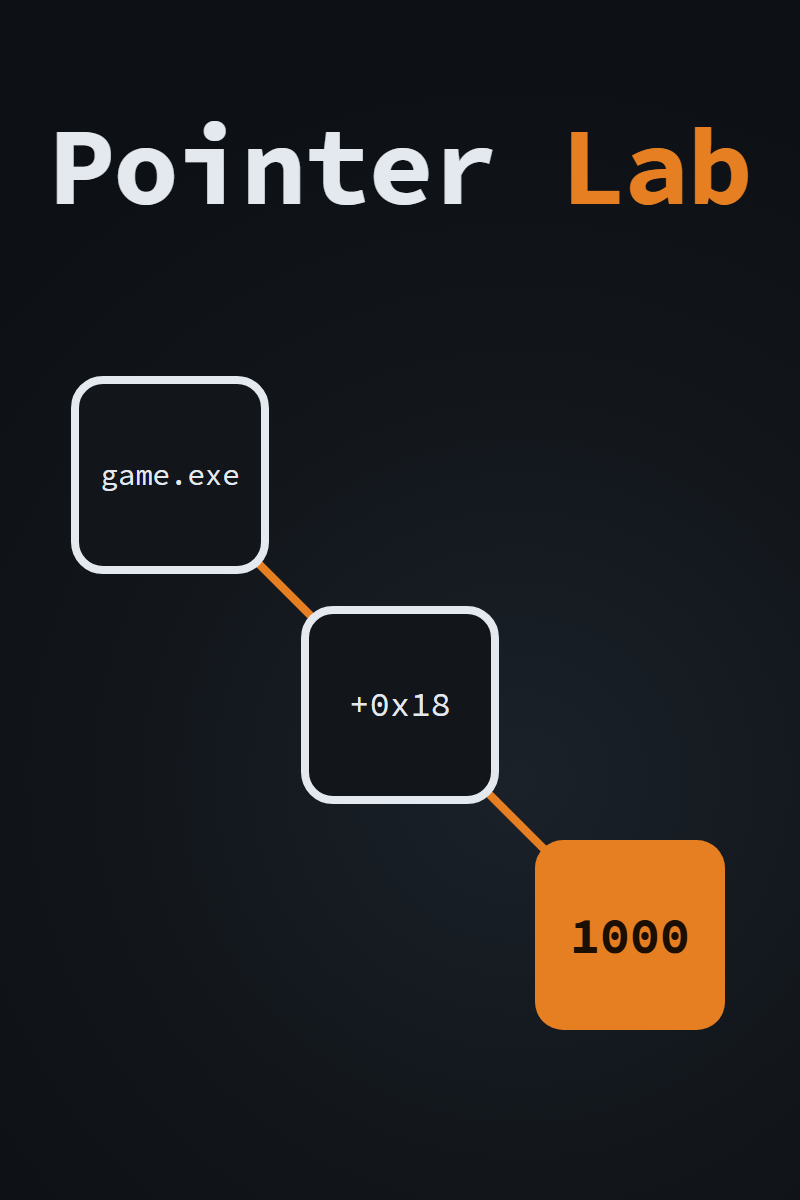
PointerLabTutorial.exe
- Attach and writech. 8
- The exact scanch. 8, 12
- Unknown initial valuech. 12
- Floats and doublesch. 10
- Find what writesch. 15, 16
- Your first pointerch. 11
- Multi-level pointersch. 11
- Code injectionch. 16, 18
- Shared codech. 16
The tutorial ships inside the release zip next to Pointer Lab itself. Release builds are unsigned, so Windows SmartScreen will warn on first run; the Pointer Lab page explains why, and the source is there to build yourself. The reference docs live in the repository:
Handbook code samples
Coming with the bookThe Game Hacker's Handbook: source listings
Everything on this page is free and stays free. Questions about any repository or lesson go to the Discord until the forum reopens, and bug reports and fixes are welcome as GitHub issues and pull requests.