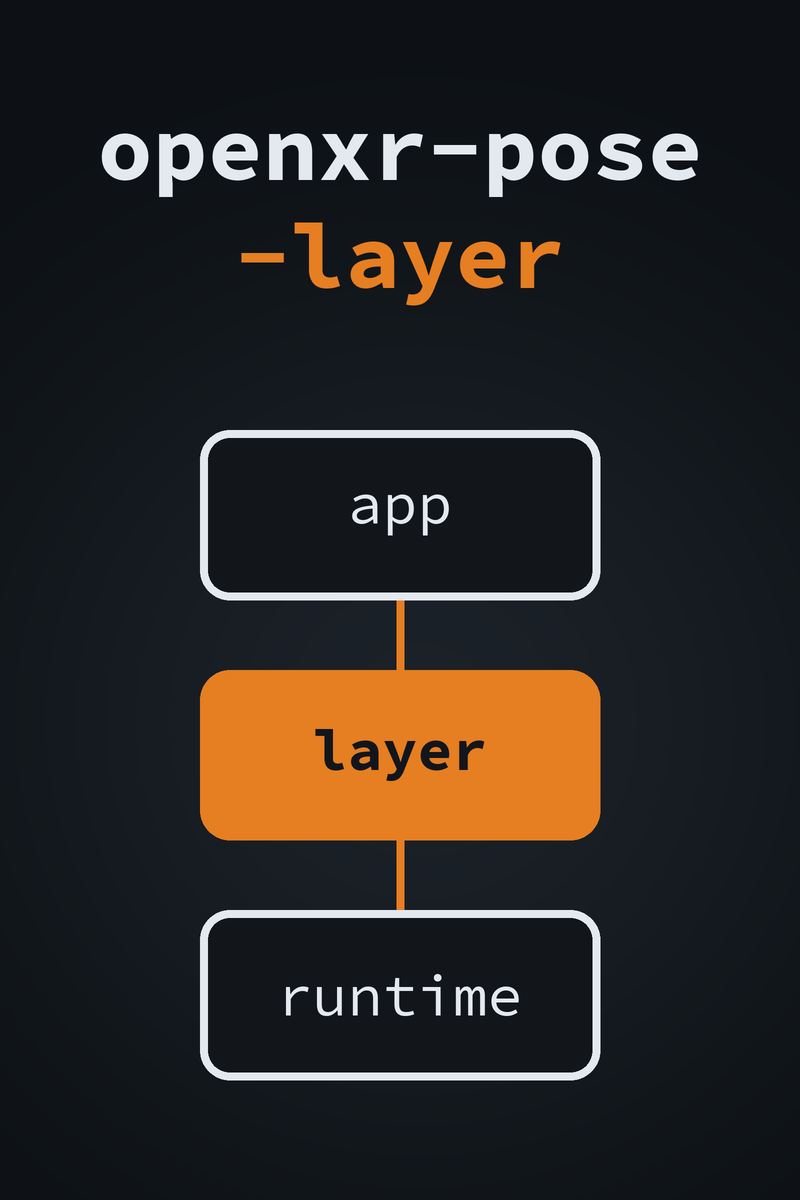
openxr-pose-layer cover: an orange layer box between the app and the OpenXR runtime

openxr-pose-layer logoopenxr-pose-layer

Record and replay OpenXR tracking
Price
Free
Version
1.0.1
Platform
OpenXR
License
MIT
Free & Open Source OpenXR API Layer VR Record & Replay C++20
A tracking bug is hard to chase when the only way to repeat it is to move a headset the same way again. openxr-pose-layer sits between a VR app and the OpenXR runtime as an explicit API layer. In log mode it prints the tracking and input calls the app makes, with timings. In record mode it writes every frame’s head pose, eye views, controller poses and action states to a small binary file. In replay mode it feeds those poses back into the app and rewrites the poses the app submits for display. The same motion runs again with no headset moving. That gives a VR developer a repeatable repro for a tracking bug, and a CI job a fixed input to render against. It watches what a VR app asks the runtime for, the way Pointer Lab watches what a game reads and writes.
Free
Layer DLL, manifest and poseplay.exe. Run install.ps1 to register it for your user
↓ Download from GitHub View Source on GitHub
Developer
Game Reversal Club
Open Source Software

See all software from this developer

What You Get

Run poseplay info on a recording and you get this summary. This is real output, over a 120-frame recording the layer wrote in record mode. The layer was driven by its own test harness, not by a headset.

poseplay 1.0.1
file            sample.oxrr
format version  1
frames          120
duration        1322.2 ms  (90.0 fps)
view sets       120
space locates   120 single, 0 grouped
inputs          0 pose, 120 boolean, 120 float, 0 vector2f
head position   x [-0.0300, 0.0300]  y [1.5500, 1.6500]  z [-0.0200, 0.0200]  (120 frames)

Each frame is one xrWaitFrame. The harness made one xrLocateViews, one xrLocateSpace, one boolean and one float action-state call per frame, so each of those counts is 120. It never asked for a pose or vector2f action state, so those read 0.

How It Works

Records by frame, not by clock
Each frame is one xrWaitFrame. Poses and inputs are stored under the frame index the layer assigns, and replayed in the order they were recorded. Nothing is keyed on an XrSpace or XrAction handle, because those do not survive into a new run.
Intercepts the calls that carry motion
xrWaitFrame, xrLocateViews, xrLocateSpace, xrLocateSpaces, xrSyncActions, the four xrGetActionState* calls, and xrEndFrame. Anything else passes straight through.
Replays into the compositor too
In replay mode the locate and action-state calls return the recorded values. xrEndFrame rewrites the projection-layer view poses as well, so an app that caches its poses still renders from the recorded path. Frame timing stays whatever the runtime returns.
Speed, loop and offset
A time scale of 2.0 skips every other recorded frame; 0.5 shows each one twice. Replay can loop at the end or hold on the last frame. An x y z yawDegrees offset plays the recorded path from a new place or facing.
A layer, not a runtime
It does not invent tracking. Each intercepted call still goes down to the runtime, and in replay mode the recorded values replace what comes back. Running an app with no headset needs a null runtime under the layer.
poseplay
Summarize a recording, dump per-frame times and head positions, or trim it to a frame range, reindexed from zero. Add --json for scripts.

Item Specifics

Name
openxr-pose-layer
Author
Heath Howren (“Cyborg Elf”)
Version
1.0.1 (2026)
Type
Explicit OpenXR API layer, plus the poseplay recording tool
Platform
Windows, x64 build. Registered per user under HKEY_CURRENT_USER
License
MIT License
Price
Free
Language
C++20
OpenXR
Built against the OpenXR 1.1 headers (OpenXR SDK release-1.1.43). No SDK code is compiled into the DLL
Recording Format
Binary .oxrr file, format version 1, keyed by frame index
Dependencies
OpenXR SDK headers (Apache-2.0). Catch2 for the tests only
Distribution
openxr-pose-layer-v1.0.1.zip: openxr_pose_layer.dll, its manifest, poseplay.exe, install.ps1 and uninstall.ps1
Requirements
An OpenXR app and an OpenXR runtime. No administrator rights. No VC++ redistributable: the C runtime is linked statically
Tests
40 unit tests through an in-process fake next layer, run in CI. No runtime or headset involved
Source Code

Features

Log, record and replay modes
Call trace with per-call timings
Head pose and eye views recorded
Controller poses recorded
Boolean, float and vector2f action states
xrLocateSpaces groups (OpenXR 1.1)
Recordings keyed by frame index
No dependence on space or action handles
View poses rewritten in xrEndFrame
Replay time scale
Replay looping
Position and yaw offset
Environment variables or a config file
poseplay info, dump and trim
JSON output for scripts
Per-user install, no administrator
uninstall.ps1 to remove it
Static C runtime
40 unit tests, run in CI

Before You Download

Intended use. openxr-pose-layer is for testing and studying OpenXR apps you own or are authorized to analyze: your own apps, sample apps such as hello_xr, and development builds. Feeding recorded input into an online or competitive game may trip anti-cheat software and get the account banned, and modifying software you do not have permission to modify may be illegal where you live. This is a development and research tool.

What has been tested. The 40 unit tests drive the real layer code through an in-process fake next layer, with no OpenXR runtime and no headset. They run in CI. The output above came from that harness, not from a headset. End-to-end replay against hello_xr on a null runtime is a manual check, outside CI.

Replay replaces tracking. On real hardware, replay overrides tracking, so the scene world-locks to the recorded path and stops following your head. That is expected. To run with no headset, put a null runtime under the layer: Monado’s simulated driver or the SteamVR null driver. In record mode the file is written only when the app shuts down OpenXR. If the app crashes or is killed, nothing is saved.

The binaries are unsigned. Antivirus software may flag a new unsigned DLL that loads into other processes. Build it from source if you would rather not take a binary on trust. install.ps1 writes only under HKEY_CURRENT_USER and needs no administrator rights. uninstall.ps1 undoes it.